AI, UI Design, Claude Code, Claude to Figma, Paper, Pencil
2026 is shaping up to be really interesting. More new tools are embracing AI, like Pencil, Paper. Designers are exploring new ways of designing by prompting, whether that's typing or even using voice as an option, now that Claude Code has a voice mode.
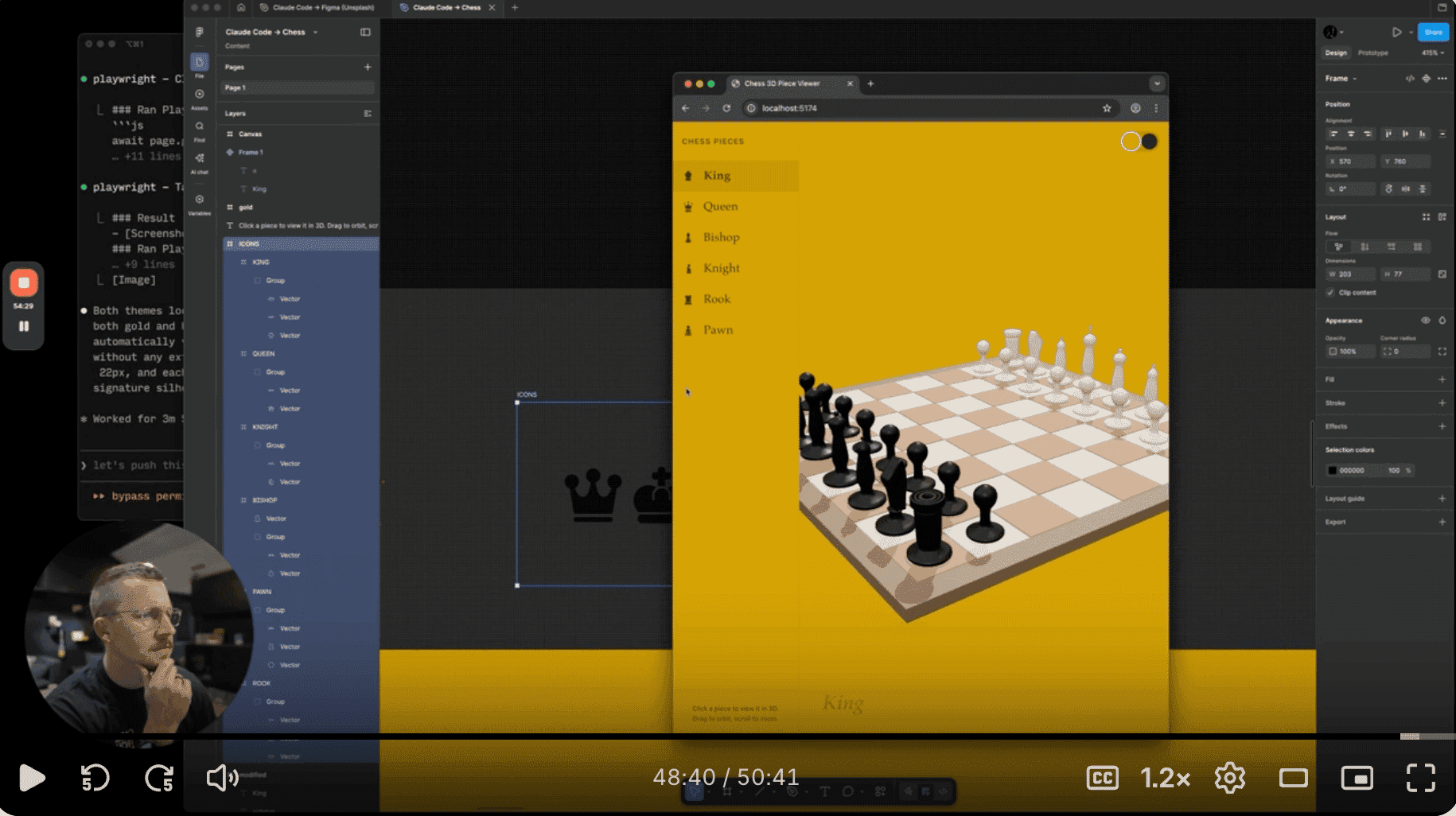
About a month ago, Figma followed the same trajectory by including prompt-based design. You prompt in Claude Code and bring it into Figma. Personally, I find the workflow still a bit clunky. It codes first, then I need to prompt again if I want to push it to Figma. Compare that to Paper, which immediately makes the UI right on the canvas.
Matt D. Smith (MDS) shared his walkthrough on how to use Claude Code → Figma. He showed something practical, a real workflow in action. That gave me an idea: designers shouldn't resist using AI. We can benefit from it to get up to speed, produce first drafts and explore ideas faster. But also, relying on prompting 100% is not enough. Sometimes your hands are still faster. And your eyes and instinct, trained by UI fundamentals like typography, spacing, and visual hierarchy, are what make good design GREAT.
The combination of AI speed and solid craft knowledge is what can really elevate our work.